Your profile isn't only static info. You have a feed. Posts let you share a result, advertise open dates, or drop a coaching tip, and they reach the drivers who follow you as well as showing on your public page.
Share an update
The quickest way in is the Share an update card on your main dashboard. No need to open the full workspace.
- Open Cockpit; the instructor cockpit is near the top.
- Write your update in the composer. Use the flag tabs to write it per language (English / Czech / German).
- Attach up to 3 photos and optionally one PDF (a schedule, a poster).
- Tap Publish.
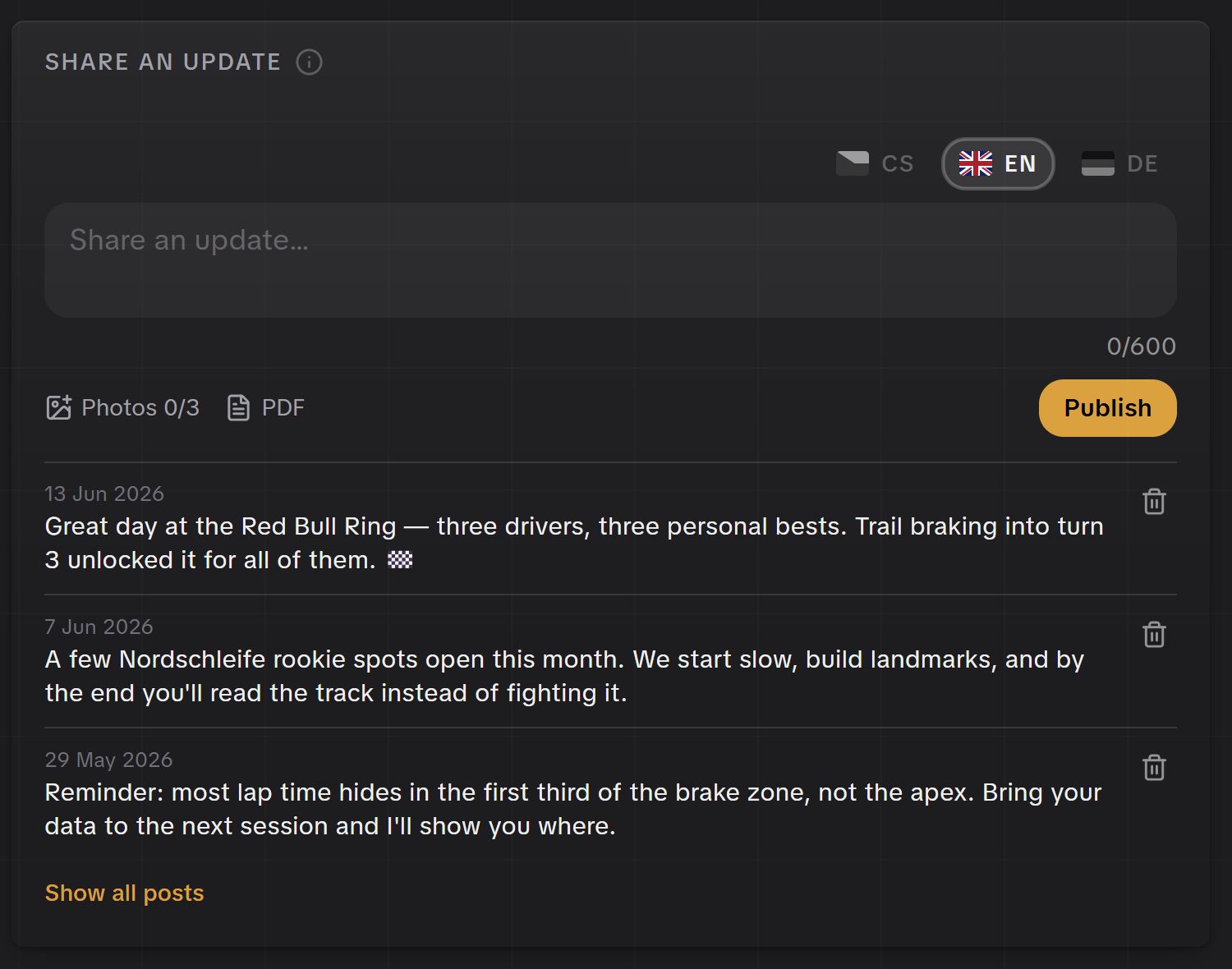
Write it once, in each language
The composer is per-language like the rest of your profile. A driver browsing in Czech sees the Czech version; everyone else sees English. Filling both means your update reads naturally to everyone.
Attach a session date
Advertising open spots? Don't just describe them, attach the actual date. Attach a date in the composer lists your open bookable dates (the ones you published under Offering → Availability). Pick one and the post carries a card with the date, circuit and price. Tapping it takes the driver straight to the booking page.
If the date later sells out or you close it, the post stays up; the booking page simply shows that the date is gone.
Manage your posts
Manage posts on the Share an update card (or My posts in the coaching sidebar) opens your posts page in the workspace. Every post shows as the full card your followers see, with likes and comments, and each card's menu lets you edit the text and photos or delete the post. There's a composer at the top too, so you can do everything from one place.

Where posts show up
A published post appears in two places:
- On your public profile, as your feed. Part of what a driver reads when deciding to book.
- In the feed of drivers who follow you, so people who've worked with you see your posts without visiting your page.
Drivers can like and comment, so a post is a conversation, not just a broadcast.
What's worth posting
- Results. "Three personal bests at the Red Bull Ring today" builds trust faster than any bio line.
- Open dates. A couple of rookie spots left this month; link it to the slots you've published.
- Tips. A short, useful idea reminds followers you're worth booking.
- A welcome. Your first post is a good place to point people at your booking, dates and session types.
Posts complement your dates, they don't replace them
A post advertising spots is great, but the actual booking still happens on the dates you publish under Offering → Availability. Use posts to drive attention to slots that are already live.